
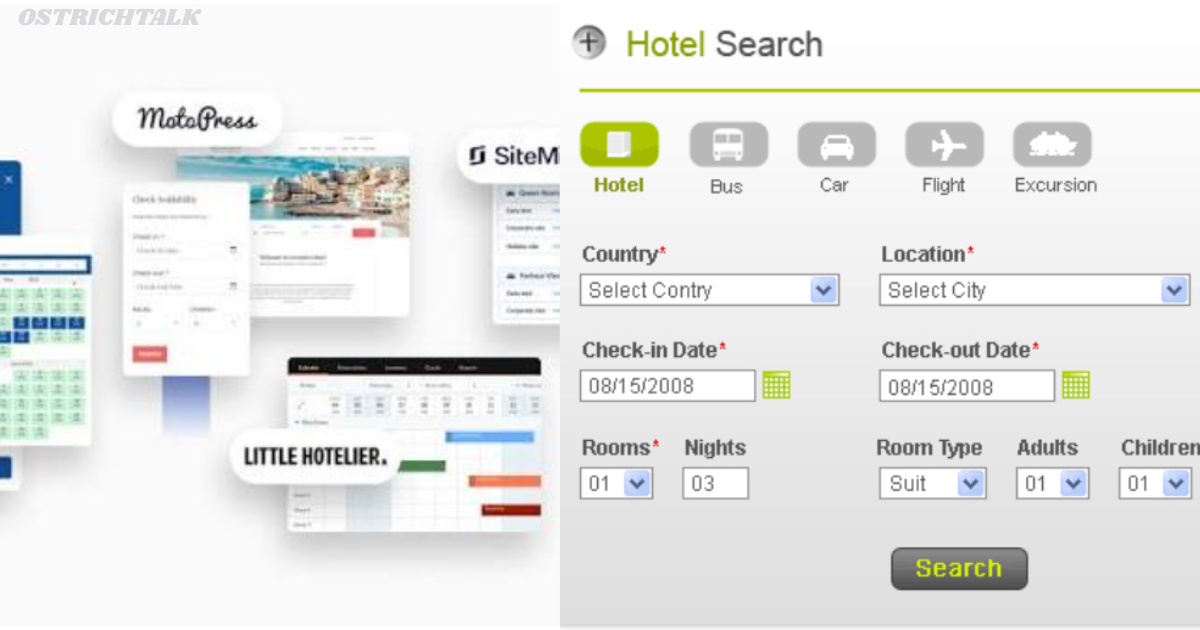
Every night a hotel in some place suffers financial loss from a room that is empty. In the meantime, a visitor leaves a clunky reservation form and hires a competitor. Weak technology is the cause of both losses. Most owners think it is more difficult than it actually is to fix.
Today’s hotel booking and reservation software replaces disjointed spreadsheets, phone calls and email correspondence into one streamlined system. Accepts reservations day or night, instantly updates availability and allows your staff to focus on guests.
This guide gives an insight into the technology, what it comes with and how to pick the right one. In addition, you’ll discover a comparison table, helpful setup guidelines and clear responses to frequent questions. Let’s get started.
Hotel Booking and Reservation Software: What is It?
Hotel booking and reservation software is software designed to track the search, booking and payment process of guests for hotels. It’s like a front desk that doesn’t close at night. It logs all your reservations, monitors all rooms and ensures your calendar is updated.
The system has three simple functions at its simplest. First, it serves real-time availability and rates to guests. Secondly, it records the information and the payment. Third, it syncs that information throughout your property and sales channels.
These tasks are typically bundled together on many of the platforms with a property management system (PMS), channel manager, and a booking engine. There are others who sell the pieces individually. This allows you to begin small and build your toolbox up over time.
Why does this matter? Because travellers expect speed. Most visitors make comparisons on their mobile device and walk away if they can’t see the price or if the page takes too long to load. In other words, a fast and mobile-friendly booking flow can directly impact your revenue.
Further, manual systems are prone to error. All of the above (double bookings, missed requests, wrong rates etc.) hurt reviews. Most of that risk is mitigated by software that pushes an update on all channels the instant something changes.
Some of the core features of a Hotel Booking and Reservation Software include:
Not all platforms are created equal. The best ones, however, have certain common characteristics. These are the first things to look for.
Every time a visitor clicks through your site and books a room, they’re booking directly through your website, eliminating the need to pay large commissions.
- Channel manager: It keeps rates and availability up-to-date with online travel agencies (OTA) in real time, avoiding overbooking situations.
- Real time inventory: The calendar is automatically updated every time a sale occurs – at your site, from the phone or from walk-in.
- Payment processing: Secure card payments, deposits and refunds are processed within the system.
- Automated Messaging: Confirmation, Pre-Arrival and Thank You emails will be sent automatically, without staff effort.
- Rate and revenue tools: Dynamic pricing rules increase rates during times of increased demand and decrease rates during times of reduced demand.
- Reporting dashboards: Occupancy, ADR, and RPA are all available for you to see at a glance.
Bookings can be managed from a mobile phone or tablet from anywhere while on duty!
The booking engine is one of these tools that brings the best results. A long form will see fewer conversions than a simple, 3-step checkout. Similarly, good photographs, transparency in pricing and genuine terms of cancellation create trust. A robust channel manager keeps you safe on the other side, meanwhile. It prevents the same room from being rented out more than once, eliminating the need to make embarrassing apologies or make up for the room that was double booked.
Moreover, integrations matter. It needs to integrate with the accounting software, door lock and guest messaging applications. Otherwise, your team will re-enter the data manually and lose time.
Security should also be considered. Look for a provider with data security measures and that adheres to privacy regulations like GDPR. You’re entrusted with people’s private information – keep it with care.
Some of the advantages of Hotel Booking and Reservation Software are listed below:
Why invest? The returns are rapid and are received by each department.
More direct bookings. A superior ebookkeeping device enables guests to book directly from your website. You’ll thus spend less OTA commissions, which frequently represent ten per cent or even more of each stay. Even a minor change to direct sales increases profits.
Fewer errors. Automation eliminates double bookings and incorrect rates. Moreover, copying between systems is no longer necessary for staff, thus reducing the risk of error.
Time savings. Your team has less time spent on mundane work. Rather, they welcome visitors, address issues and offer enhancements and upsells.
Better guest experience. People sign up in minutes, get immediate confirmation and are reminded. So they come back to the church feeling happy, and they look at it more favorably.
Smarter decisions. Reports show your busiest months, best channels and most profitable room types. In the meantime, you set the price accordingly without being speculative.
Round-the-clock sales. Your website is selling rooms at 2 am while your people are sleeping. For small hotels, often, that is enough to warrant the expense.
These gains are felt more by the small independent. They have lean teams, every minute saved counts! Larger groups, however, benefit from uniformity of reporting from multiple sites. Of course, some properties may give different results. However, most operators see smoother operations in their first couple of months.
Comparison Table: Types of Hotel Booking and Reservation Software
There are a number of solution types that vie for your budget. They are designed to fit various types of homes. They are compared side by side in the table below. Pricing models will be similar to those in the market, so ask for a recent quote from all vendors.
| Hotel Booking and Reservation Software Type | Best For | Key Strengths | Common Limits | Typical Pricing Model |
| All-in-one cloud PMS | Independent hotels, B&Bs, boutique stays | Booking engine, front desk, billing, and reports in one place | Fewer deep customisations | Monthly subscription per property or room |
| Standalone booking engine | Hotels with an existing PMS | Fast, mobile-friendly direct bookings | Needs integration with other tools | Monthly fee or small commission |
| Channel manager | Properties selling on many OTAs | Real-time sync, overbooking protection | Does not run front desk tasks | Monthly subscription, sometimes per channel |
| Enterprise suite | Chains and large resorts | Multi-property control, advanced revenue tools | Higher cost, longer setup | Custom contract |
| Custom-built system | Unique operations with special needs | Total control over features | High build and maintenance cost | Upfront development plus upkeep |
| Basic or free tools | Very small hosts testing the market | Low entry cost | Limited features and support | Free or low flat fee |
How to Read the Table
Start with your size and goals. A ten-room guesthouse rarely needs an enterprise suite. Instead, an all-in-one cloud PMS usually covers everything. Conversely, a resort group with several sites needs central reporting and strong user controls.
Moreover, many hotels mix types. For example, you might keep your current PMS and add a better booking engine. That approach cuts disruption and spreads the cost.
How to Choose the Right Hotel Booking and Reservation Software
Choosing feels overwhelming because dozens of vendors compete. Follow these steps to cut through the noise.
- List your must-haves. Write down the tasks that waste the most time today. Then rank them by importance.
- Set a realistic budget. Include setup, training, payment fees, and monthly costs. Hidden charges sting later.
- Check integrations. Confirm the system connects with your accounting tool, payment provider, and key OTAs.
- Test the guest journey. Book a room yourself on a demo site. If you struggle, your guests will too.
- Test the staff experience. Ask your front desk team to try the demo. They know your daily pain points best.
- Probe the support. Ask about response times, support hours, and onboarding help. Good support saves stressful weekends.
- Read independent reviews. Look beyond the vendor’s own testimonials. Real user feedback reveals genuine strengths and weaknesses.
- Review the contract. Check the length, cancellation terms, and data ownership rules before you sign.
Furthermore, request a trial or a live demo whenever possible. Hands-on time beats any brochure. Additionally, ask for references from hotels similar to yours. A vendor who serves ten-room inns may struggle with a two-hundred-room resort, and the reverse also holds.
Smooth Setup Tips for Hotel Booking and Reservation Software
Buying the tool is only half the job. A careful rollout protects your bookings and your team’s sanity. Use these tips.
Clean your data first. Export your current rates, room types, and guest records. Then fix duplicates and errors before you import anything. Clean data prevents messy surprises.
Train your staff early. Schedule short sessions before launch. Moreover, appoint one confident team member as the in-house expert. Colleagues will ask questions, and that person can answer quickly.
Test before going live. Place sample bookings, process test payments, and trigger every automated email. Consequently, you catch broken links and wrong rates before guests do.
Launch in a quiet period. Avoid peak season. A slower week gives your team room to learn without pressure.
Keep a backup plan. For the first few days, track bookings in a simple backup sheet. This safety net costs little and prevents panic.
Monitor and refine. After launch, review your reports weekly. Watch conversion rates, cancellations, and channel performance. Then adjust prices, photos, and descriptions based on what you learn.
Finally, ask guests for feedback. They will tell you quickly if the booking flow confuses them. Meanwhile, their comments often reveal easy fixes that lift conversions.
Final Thoughts on Hotel Booking and Reservation Software
Let’s recap. The right technology protects revenue, saves time, and delights guests. It captures bookings at any hour, cuts costly errors, and gives you data you can act on. Furthermore, it levels the playing field for independent hotels competing with big brands.
Choosing wisely takes effort, but the process stays manageable. Define your needs, compare options, test the demos, and plan your rollout carefully. Ultimately, hotel booking and reservation software works best when it fits your property, your team, and your goals.
Take the first step today. List your biggest booking headaches, then book two or three demos this week. Once you find the right hotel booking and reservation software, you will wonder how you ever managed without it. Your guests, your staff, and your bottom line will thank you.
Frequently Asked Questions FAQs
Q1: What Is Hotel Booking and Reservation Software Used For?
Hotels use it to take bookings, manage room availability, process payments, and send guest messages from one system. It also syncs rates across sales channels and produces reports. As a result, staff save time and avoid errors.
Q2: How Much Does Hotel Booking and Reservation Software Cost?
Costs vary widely. Small properties often pay a monthly subscription, while larger hotels negotiate custom contracts. Some vendors also charge setup fees or booking commissions. Therefore, request quotes from several providers and compare the total cost.
Q3: Can Small Hotels Use Hotel Booking and Reservation Software?
Yes. Many cloud-based options target B&Bs, guesthouses, and boutique hotels. They require no on-site servers and offer simple setup. Furthermore, small properties often see the fastest return, because automation replaces hours of manual work.
Q4: Does Hotel Booking and Reservation Software Prevent Double Bookings?
Yes, when it includes a channel manager and real-time inventory. Every sale updates availability across all channels within moments. Consequently, the same room rarely sells twice. Always test your connections to confirm they work correctly.
